

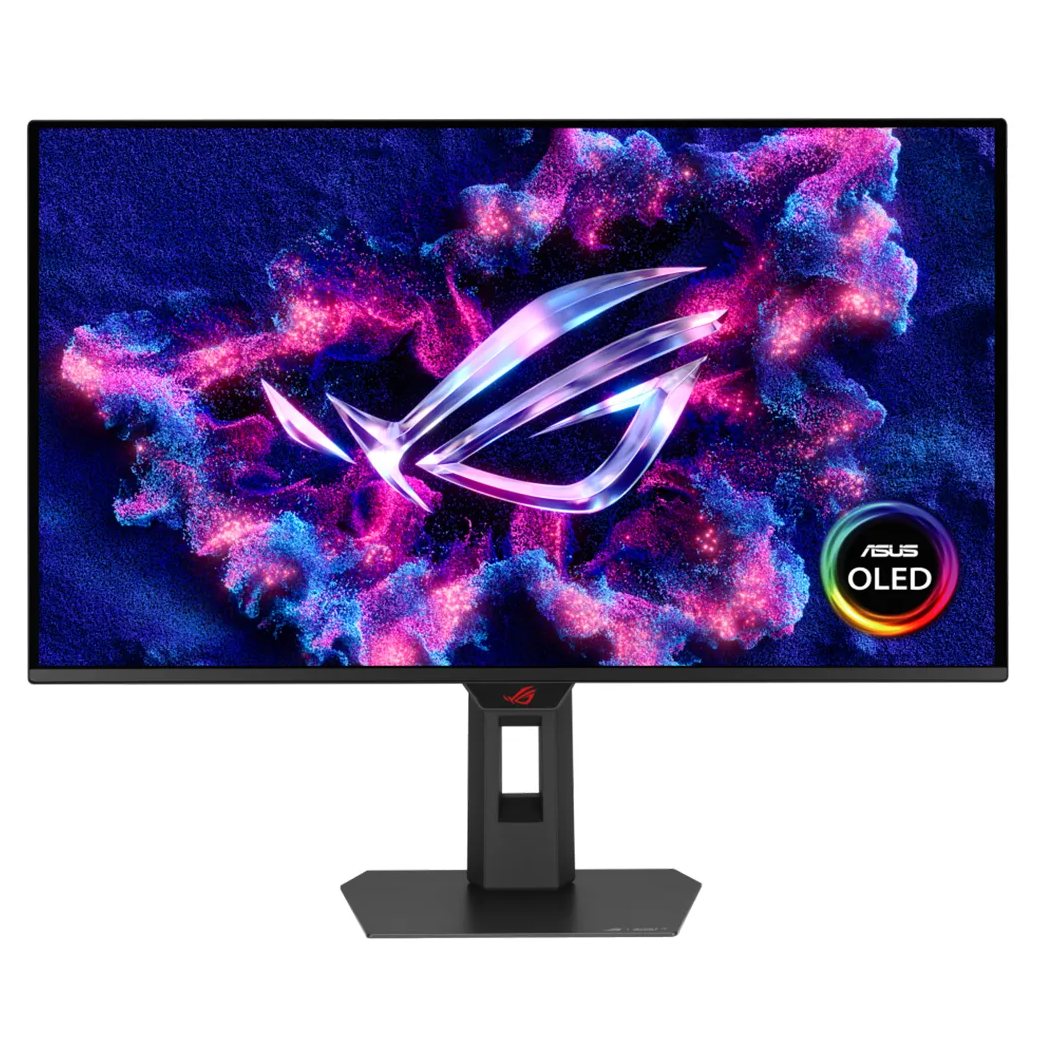
ASUS ROG Strix XG27AQDMES 27" 240Hz QHD OLED Gaming Monitor
✓
- $899.00
$999.00- $899.00
- Unit price
- per
Australia-wide Courier Delivery
Shipping fee calculated at checkout · Times vary by location
Same Day Delivery – Adelaide
Available in selected Adelaide suburbs
Final delivery fee calculated at checkout
From $29.95
1 YEAR WARRANTY
12-month warranty on accessories
FREE PRIORITY PROTECTION
Extra care for your order
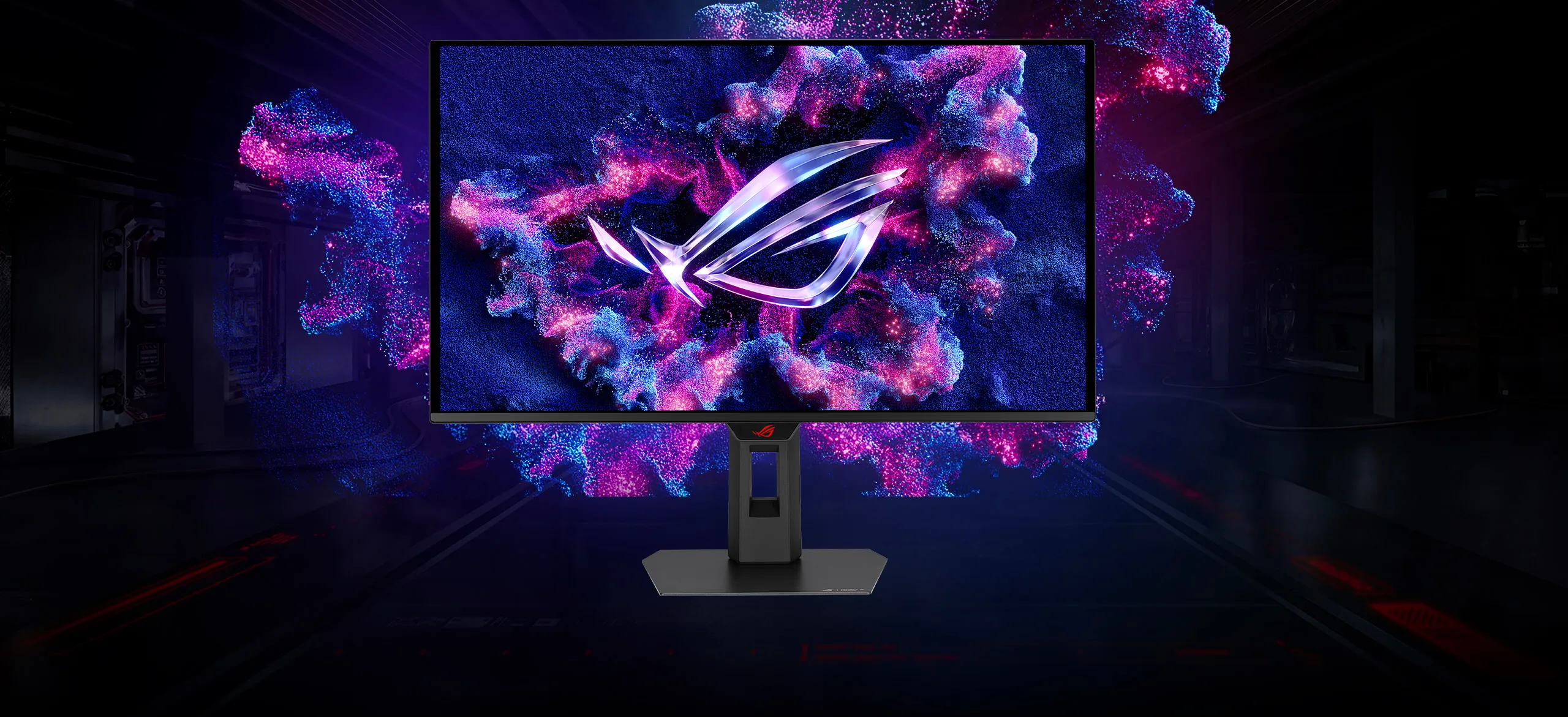
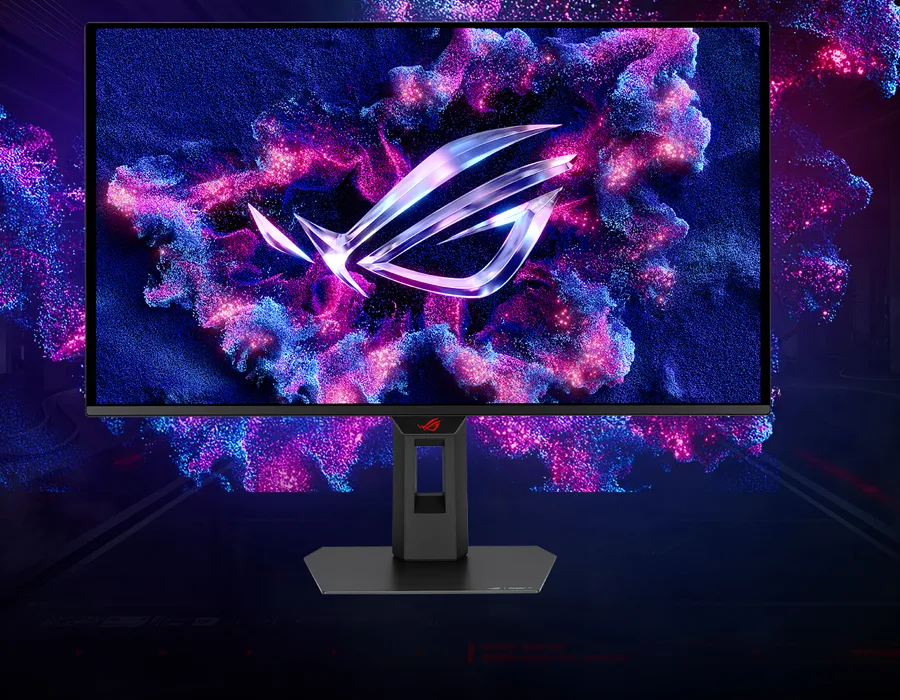
ONE FOR ALL
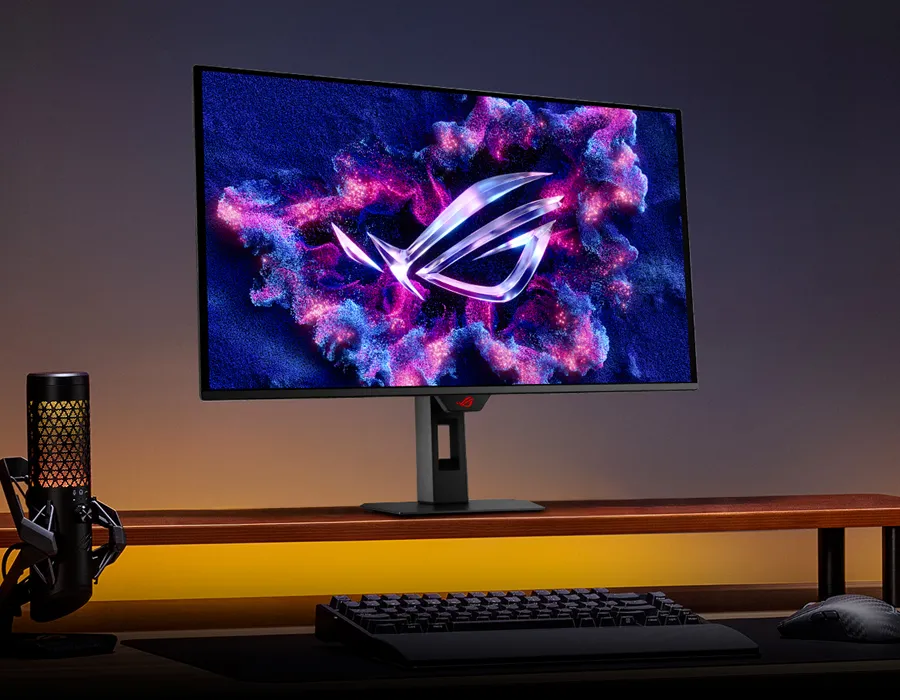
The ROG Strix OLED XG27ACDMS is a 27-inch, 280Hz QHD gaming monitor. With the addition of the Neo Proximity Sensor in the new ROG OLED Care Pro suite, the monitor transitions to a black screen when no user is detected, guarding against burn-in.
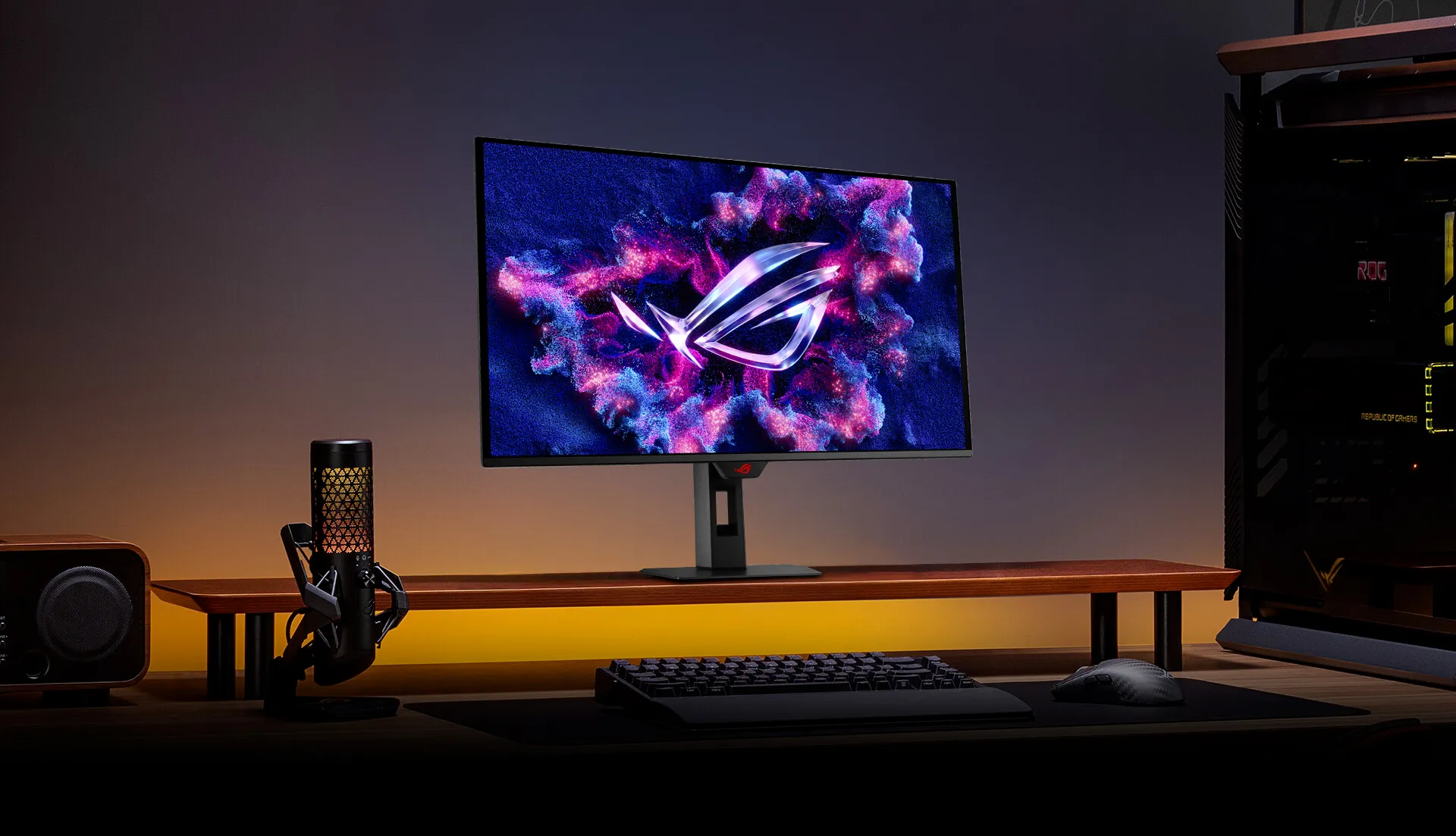
Supersmooth Visuals
Designed for discerning gamers and professional creators, it offers a refresh rate of 280Hz and 0.03ms gray-to-gray (GTG) response time for supersharp and fluid visuals.
QD-OLED Technology
Incredible Motion Clarity
Benefits of OLED

Incredible Motion Clarity
Exclusive ASUS Extreme Low Motion Blur technology reduces ghosting and motion blur.

Screen Protection
ASUS OLED CARE PRO
New ASUS OLED Care Pro technology provides a full set of customisable monitor settings to protect the OLED panel and ensure longevity. Plus, it includes the new Neo Proximity Sensor that detects your distance from the monitor and transitions to a black image when you’re away to safeguard the panel from burn-in. All settings can be easily managed via DisplayWidget Center.

Pixel cleaning
Recalibrates the screen when the monitor has been active for several hours―a process that takes just a few minutes and activates automatically when the monitor is turned off*
*Do not unplug the power cord during this time as it will interrupt the pixel-cleaning process.

Screen move
Pixel locations are slightly shifted periodically to help prevent burn-in, and users can choose between several movement levels.
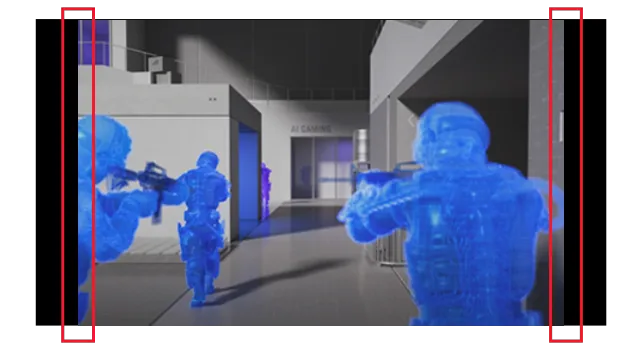
Boundary detection
Dynamically detects the boundary of the black bars and reduces the brightness and also slightly shifts the pixel of the near borders.
BUILT TO LAST
Worry-free OLED Monitor
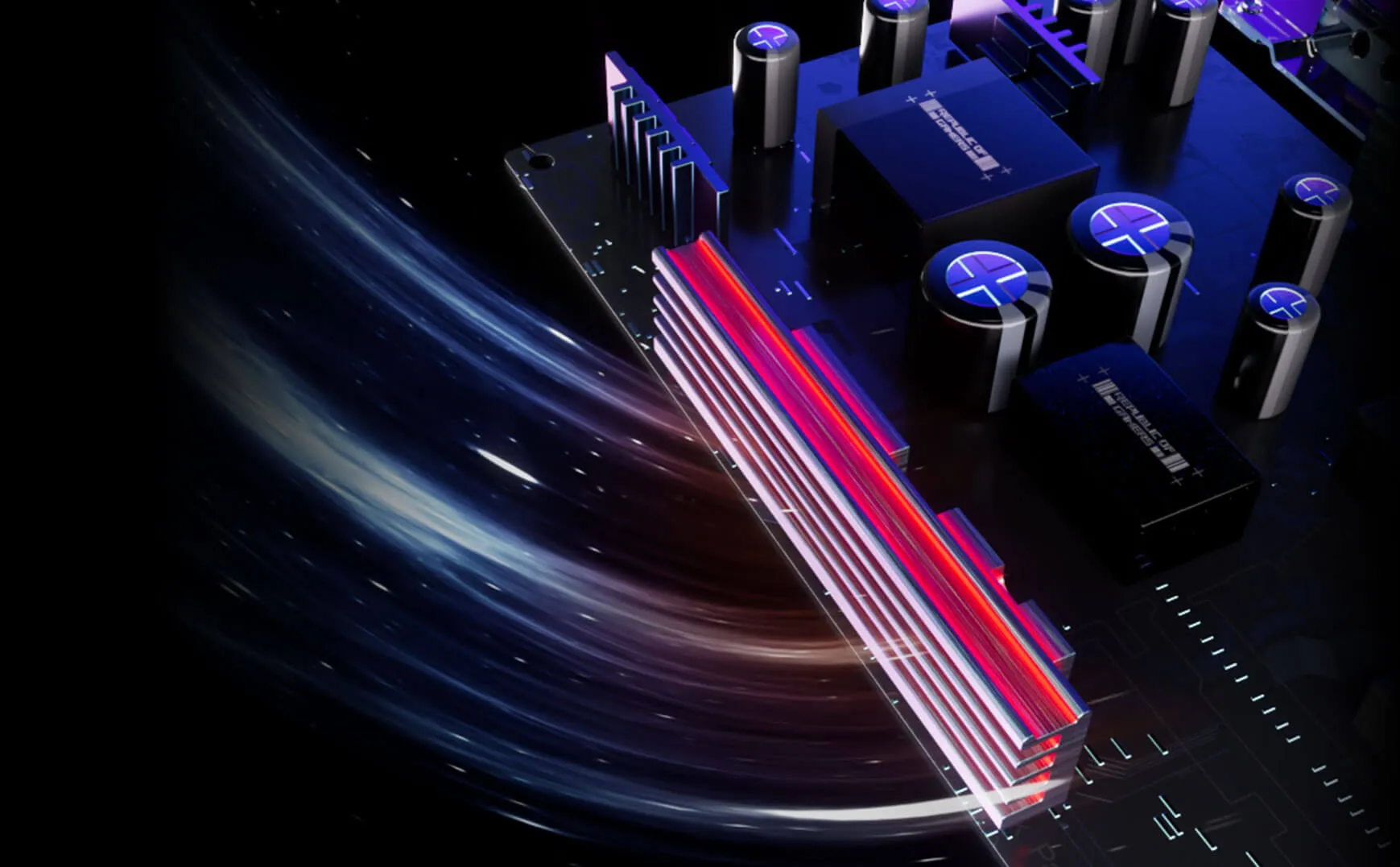
ROG OLED monitors are engineered to deliver stunning visuals for years to come. An innovative custom heatsink and a unique internal airflow improve cooling and reduce the risk of burn-in.

YOUR MONITOR, YOUR WAY
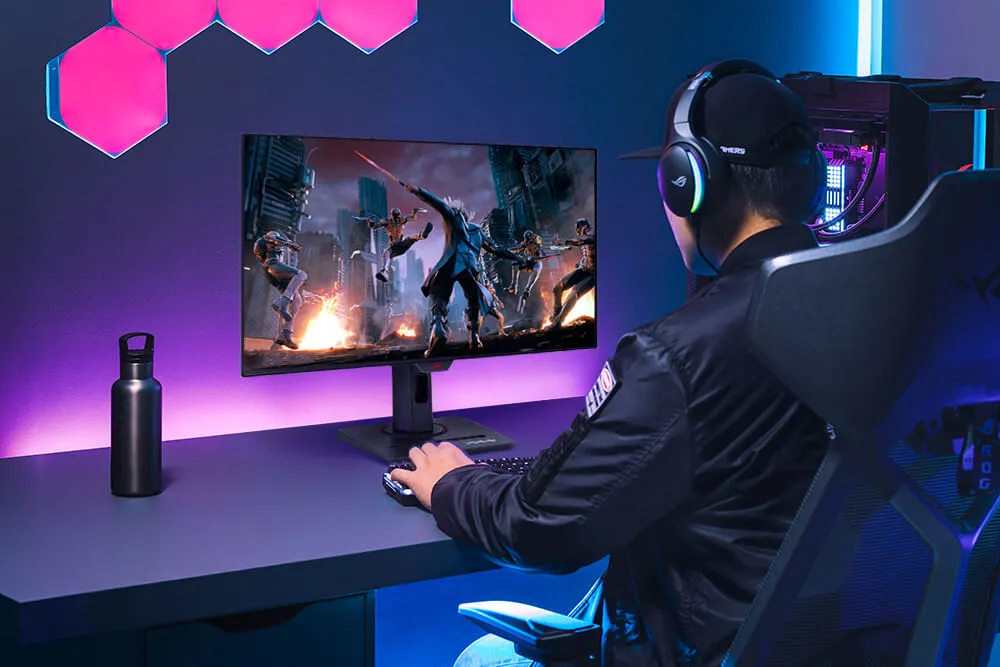
The XG27ACDMS monitor is a versatile powerhouse designed to excel in gaming, streaming, and content creation. Its high refresh rate, low response time, and vivid colours deliver a seamless, immersive experience. The wide viewing angles and built-in tripod socket make it perfect for streaming, while its exceptional colour accuracy and wide colour gamut ensure professional-grade content creation.
GAMING

STREAMING

CONTENT CREATION
ROG GAMING AI TECHNOLOGY
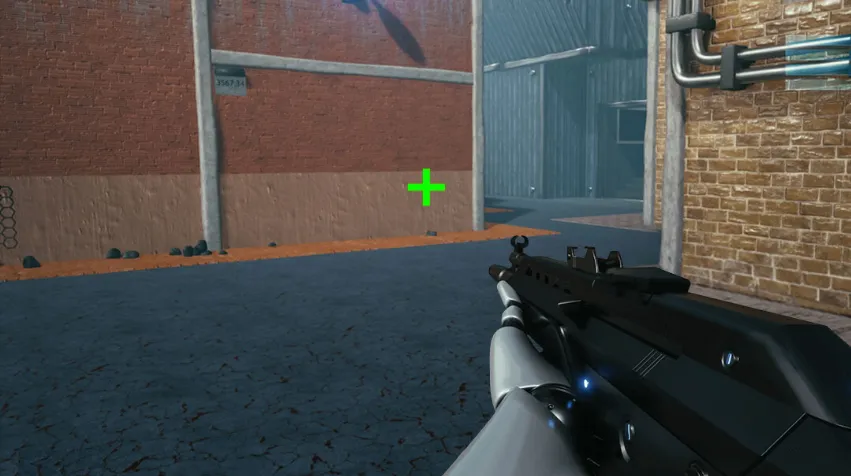
The ROG AI Assistant technology includes AI Visual, Dynamic Crosshair, and Dynamic Shadow Boost, leveraging AI technology to help you practice more effectively to improve your gaming experience.
AI Visual
AI Shadow Boost
Dynamic Crosshair

Futuristic, cyberpunk-inspired aesthetic
Compact stand design
Superslim frameless design
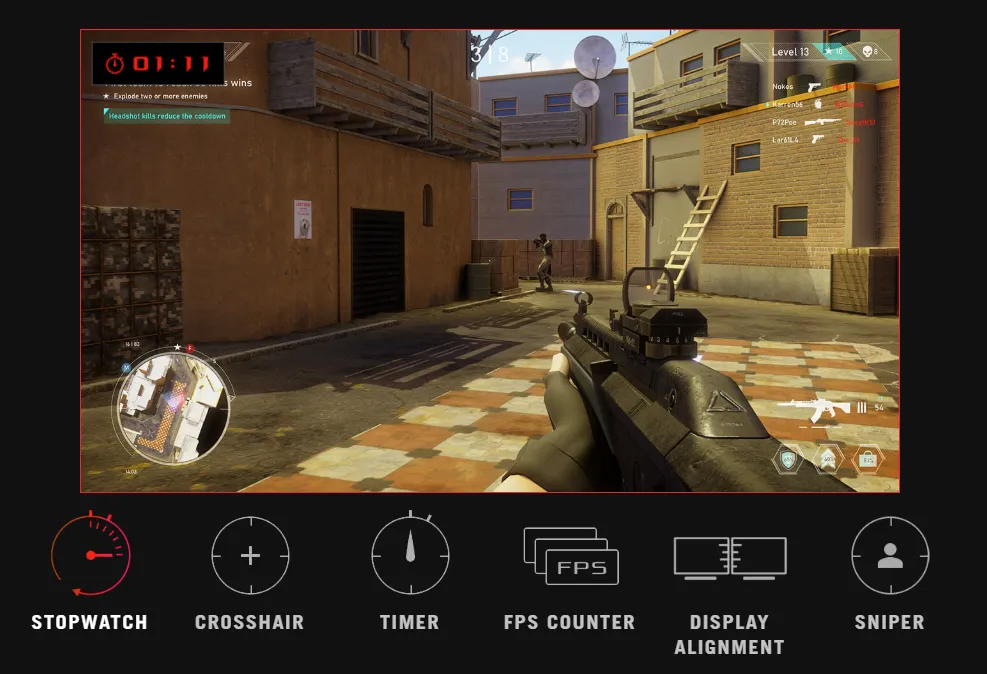
In-game enhancements
GAMEPLUS
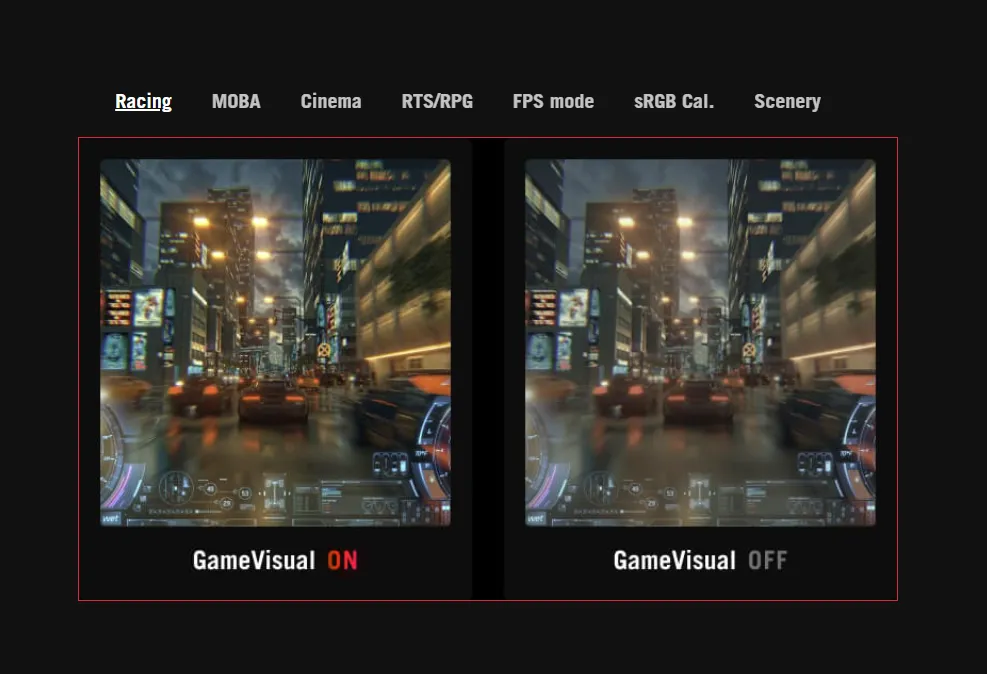
GAMEVISUAL
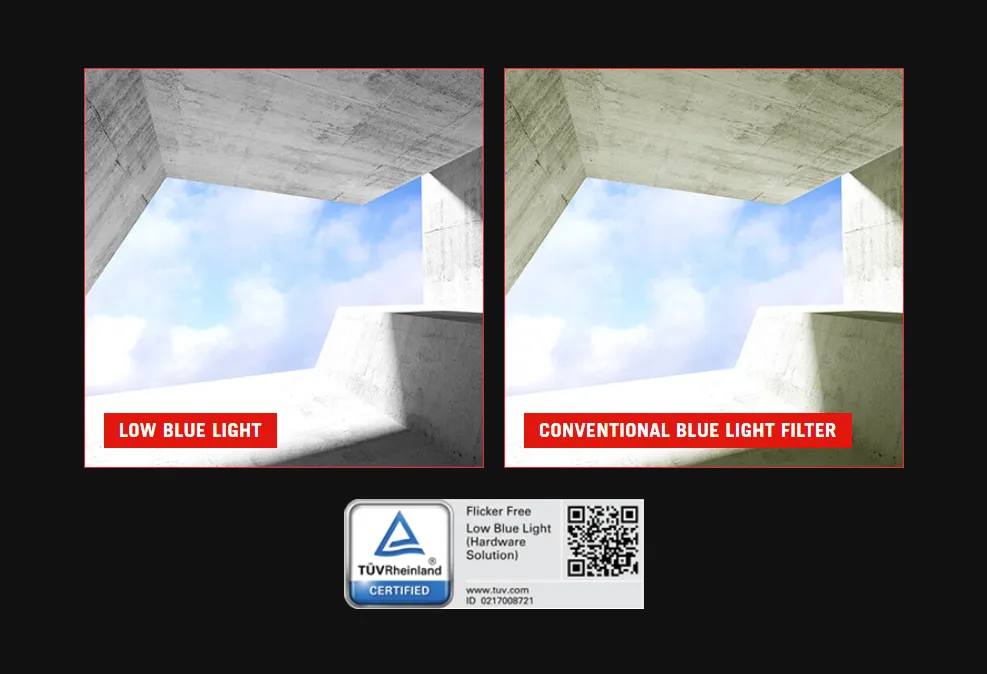
FLICKER-FREE TECHNOLOGY
LOW BLUE LIGHT TECHNOLOGY
The ASUS-exclusive integrated GamePlus hotkey offers in-game enhancements. Co-developed with input from pro gamers, GamePlus enables you to practice and improve gaming skills with the ROG Gaming AI technology-enhanced Dynamic Crosshair.

SMOOTH AND RESPONSIVE
The monitor features AMD FreeSync™ Premium Pro technology and NVIDIA® G-SYNC® compatibility, ensuring supersmooth, tear-free visuals with low latency.


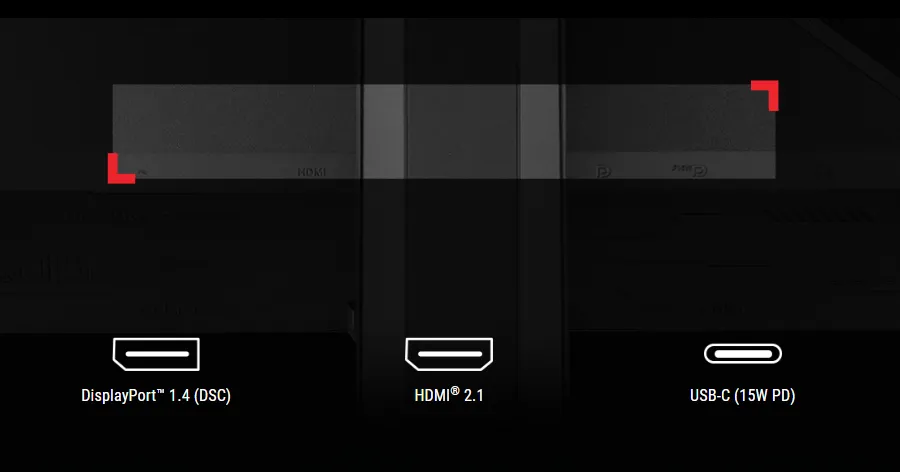
Rich Connectivity
Extensive connectivity options such as DisplayPort™ 1.4 with Display Stream Compression (DSC), HDMI® 2.1 and USB-C with 15-watt Power Delivery for a wide array of multimedia devices.

Ergonomic stand
The specially designed stand offers tilt, swivel, pivot, and height adjustments for the ideal viewing position. The display is also VESA wall-mount-compatible.
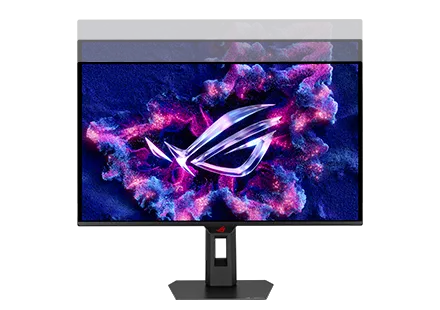
HEIGHT ADJUSTMENT
[ 0 - 110MM ]
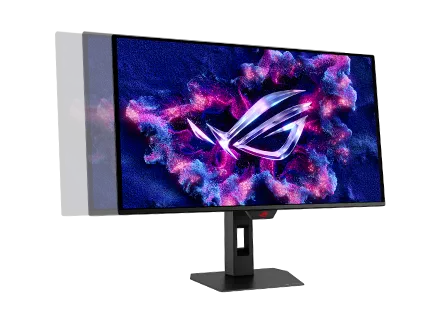
SWIVEL
[ -45°~ +45° ]
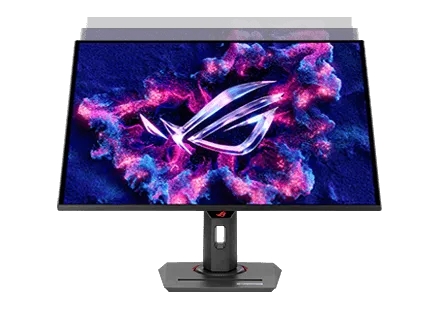
TILT
[ -5°~ +20° ]
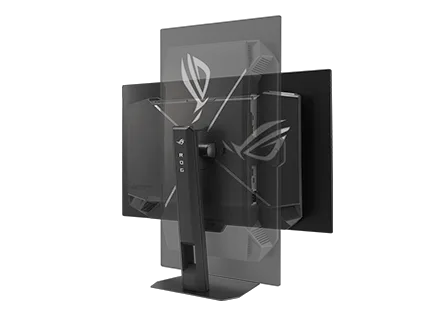
PIVOT
[ -90°~ +90° ]
Additional Features
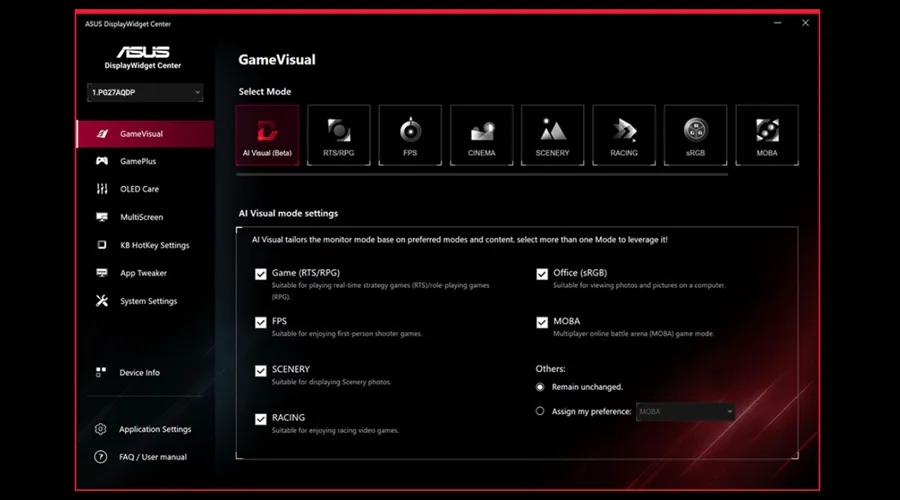
DISPLAYWIDGET CENTER
Take your monitor to the next level with DisplayWidget Center, a powerful monitor management software designed to help you optimise, personalise, and fully utilise your display via a mouse — so there’s no need to access the OSD menu.
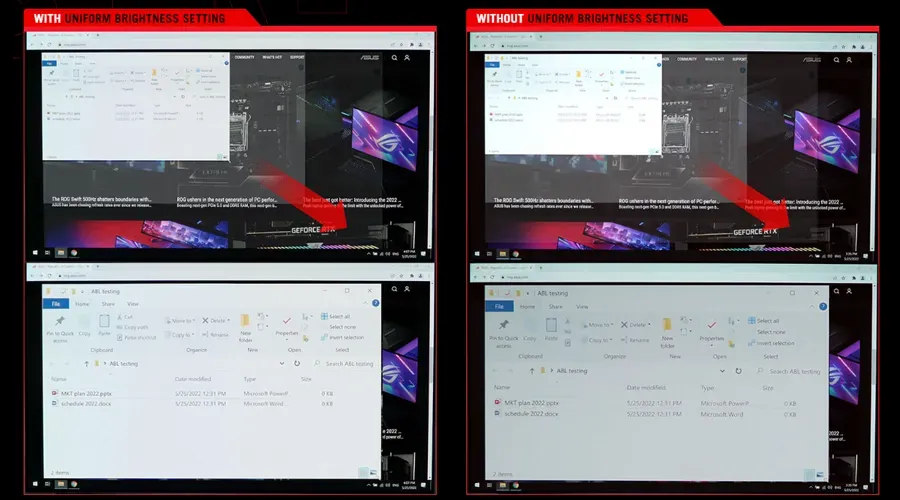
UNIFORM BRIGHTNESS
When activated, the ROG-exclusive Uniform Brightness* setting within the OSD menu decreases peak brightness to keep levels consistent for better viewing—even when changing the size of bright white windows. It also makes marathon gaming sessions much more comfortable on the eyes.
*When the monitor is in sRGB mode
Disclaimers & Information
Products certified by the Federal Communications Commission and Industry Canada will be distributed in the United States and Canada. Please visit the ASUS USA and ASUS Canada websites for information about locally available products.
All specifications are subject to change without notice. Please check with your supplier for exact offers. Products may not be available in all markets.
Specifications and features vary by model, and all images are illustrative. Please refer to specification pages for full details.
PCB colour and bundled software versions are subject to change without notice.
Brand and product names mentioned are trademarks of their respective companies.
Unless otherwise stated, all performance claims are based on theoretical performance. Actual figures may vary in real-world situations.
The actual transfer speed of USB 3.0, 3.1, 3.2, and/or Type-C will vary depending on many factors including the processing speed of the host device, file attributes and other factors related to system configuration and your operating environment.
- Choosing a selection results in a full page refresh.