

How to get your FREE Monitor:
✔ Add a PC worth $999 or more to your cart
✔ Add the monitor to your cart
✔ The monitor will automatically become FREE
Tax Back Sale offer ends 1 August 2026 at 12:00 PM.
Discount is automatically applied in cart.
✔ Add a PC worth $999 or more to your cart
✔ Add the monitor to your cart
✔ The monitor will automatically become FREE
Tax Back Sale offer ends 1 August 2026 at 12:00 PM.
Discount is automatically applied in cart.
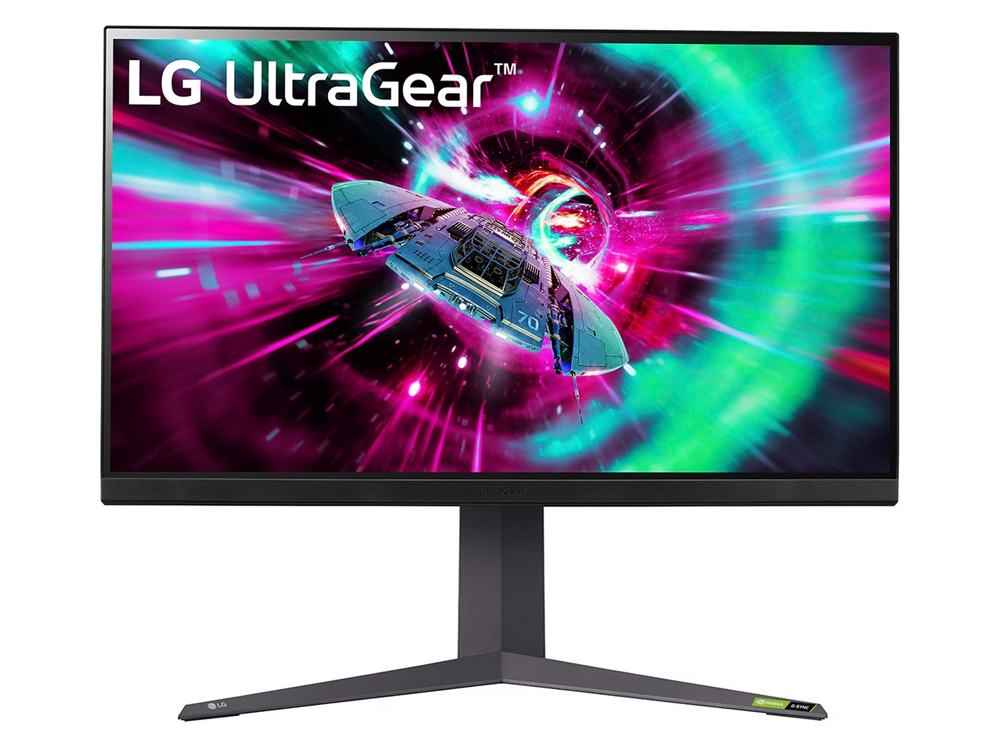
Pre- owned LG UltraGear 32GR93U-B 32" UHD IPS 144Hz Gaming Monitor with Original Box
- $549.00
$0.00- $549.00
- Unit price
- per
Availability:
Out Of Stock
WARRANTY : 30 DAYS
SAME DAY PICKUP
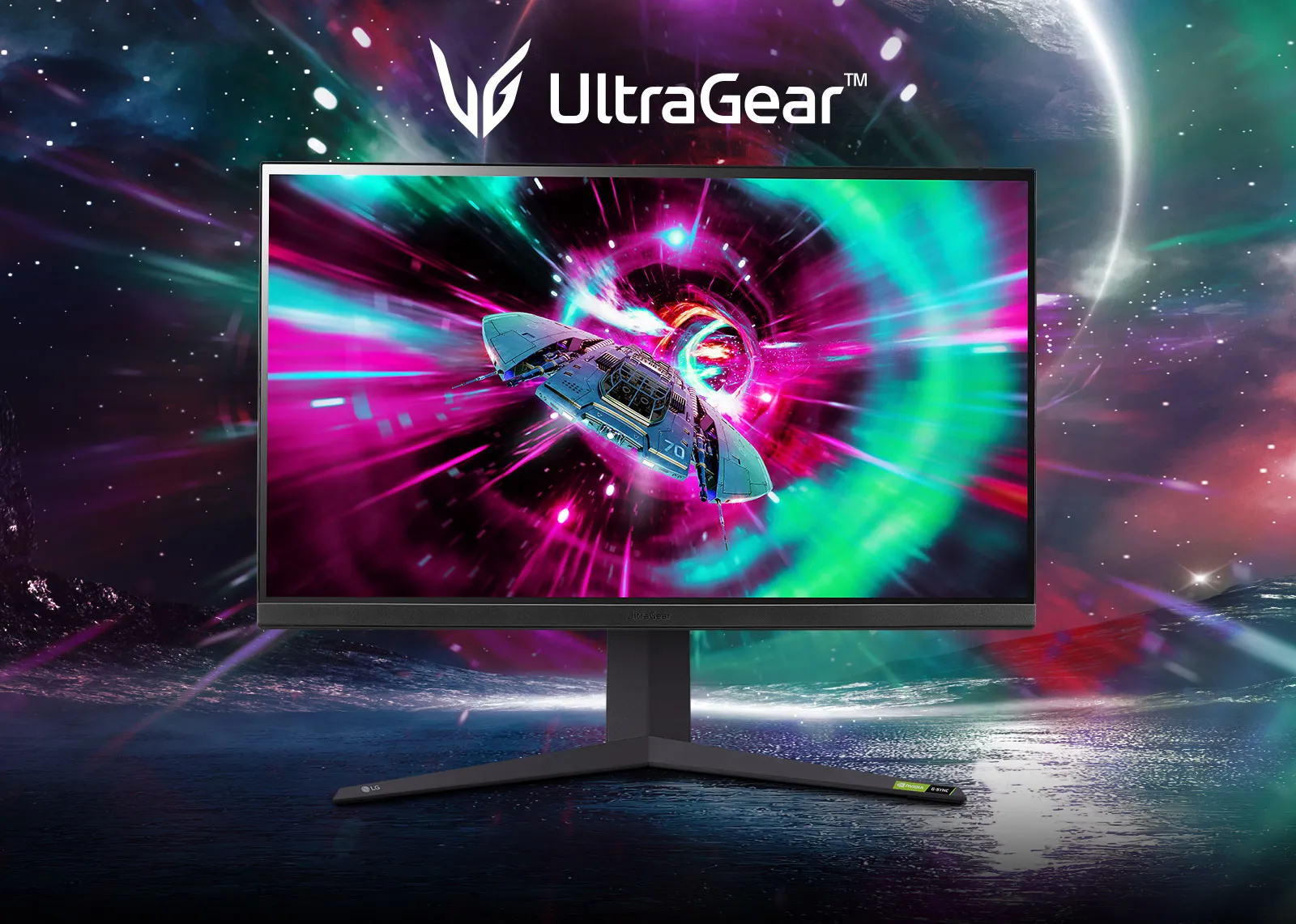
Born to Game
Speed
IPS 1ms (GtG) Response Time
144Hz Refresh Rate
144Hz Refresh Rate
Display
32" UHD (3840X2160)
VESA DisplayHDR™ 400 / DCI-P3 95% (Typ.)
VESA DisplayHDR™ 400 / DCI-P3 95% (Typ.)
Technology
NVIDIA® G-SYNC® Compatible
AMD FreeSync™ Premium
AMD FreeSync™ Premium
IPS 1ms (GtG)
Remarkable Speed, Diving into Gaming
Thanks to the IPS 1ms, which reduces reverse ghosting and provides fast response time, you can enjoy more immersive gaming with advanced performance.

*Select 'Faster Mode' to perform '1ms Response Time.'(Game Adjust → Response Time → Faster Mode).
Technology Focused on Fluid Gaming Experience
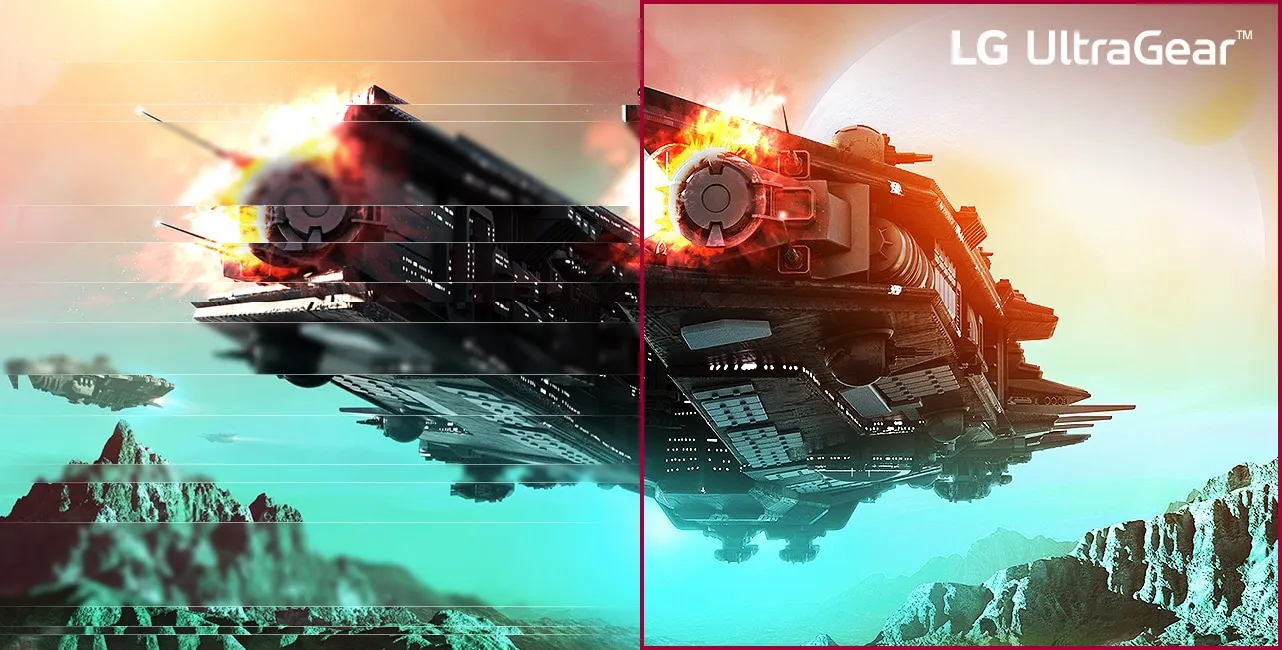
NVIDIA® G-SYNC® Compatible
32GR93U is an NVIDIA-tested and officially validated G-SYNC® Compatible monitor, that can give you a good gaming experience with significantly reduced tearing or stuttering.
AMD FreeSync™ Premium
With FreeSync™ Premium technology, gamers can experience seamless, fluid movement in high-resolution and fast-paced games. It significantly reduces screen tearing and stuttering.
Narrow Bezel Design
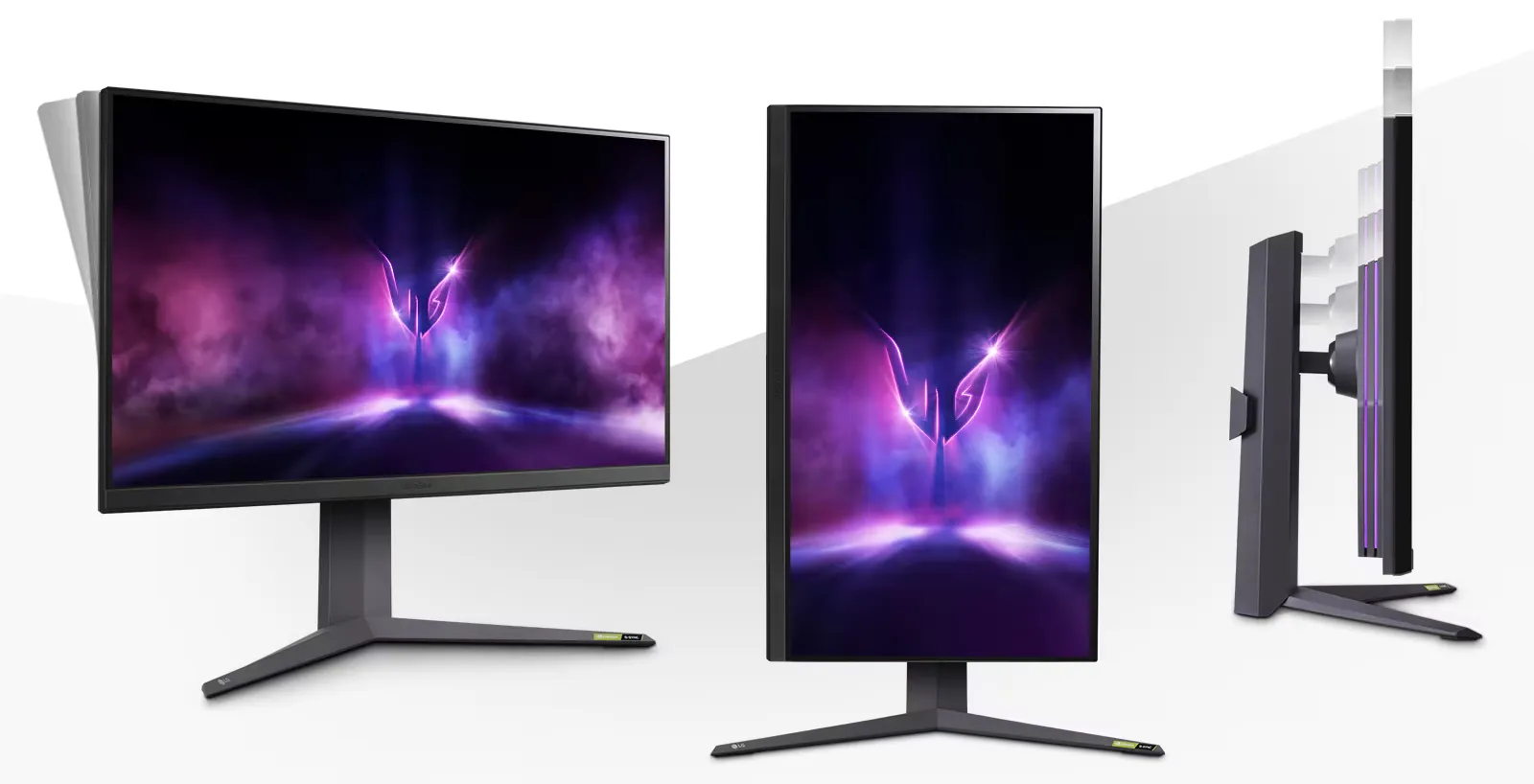
Enhance your gaming experience with eye-catching design. The adjustable base supports the monitor's tilt, height, and pivot to help you play games more comfortably.

Bezel Design
3-side

Tilt
-5~15°

Height
110mm

Pivot
Clockwise
Gaming GUI
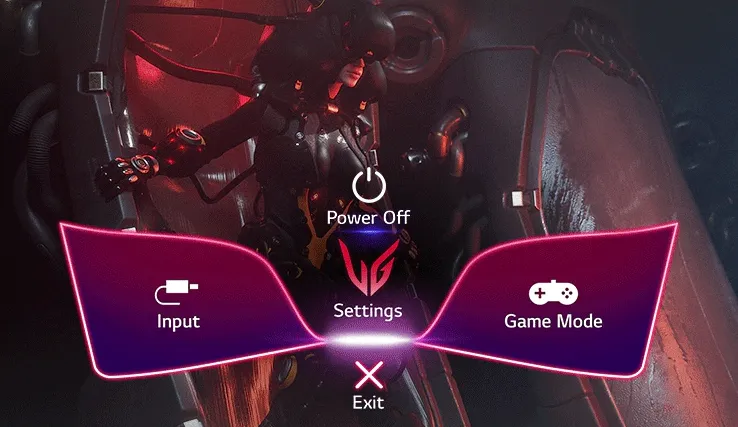
Award Winning Gaming GUI
Gamers can use On-Screen Display and OnScreen Control to easily customise the setting from adjusting basic monitor options to registering ‘User Defined Key’ that user can set the shortcut.*
*To download the latest OnScreen Control, visit LG.COM.
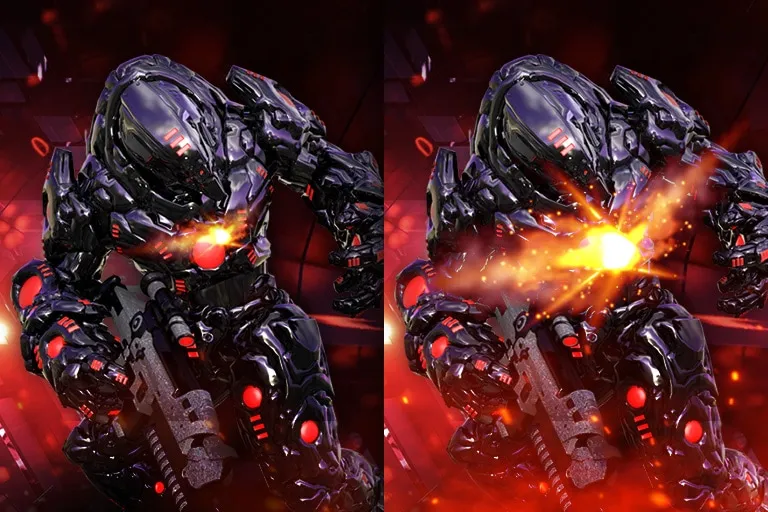
Dynamic Action Sync
Dynamic Action Sync Mode lets you see the action as it occurs in real time so that you can react immediately rather than respond after the delay of internal frame processing.
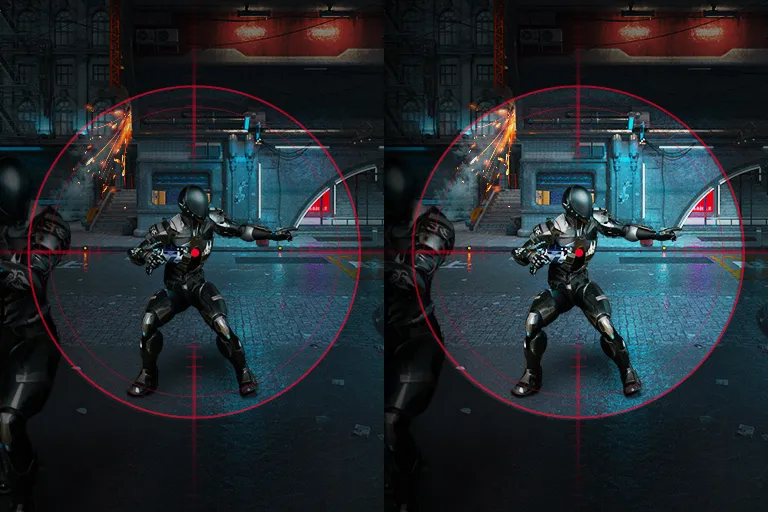
Black Stabiliser
Black Stabiliser Mode brightens dark areas and gives you better visibility in dark scenes. It can make dark areas brighter to help you find the enemy or game objectives hidden in the dark.
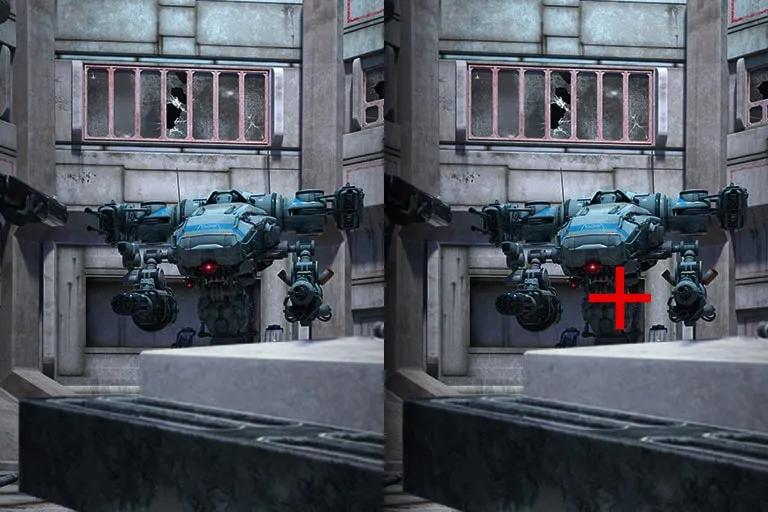
Crosshair
The Crosshair feature helps enhance accuracy in first-person shooter games.*
*The Crosshair feature is unavailable while FPS Counter is activated.
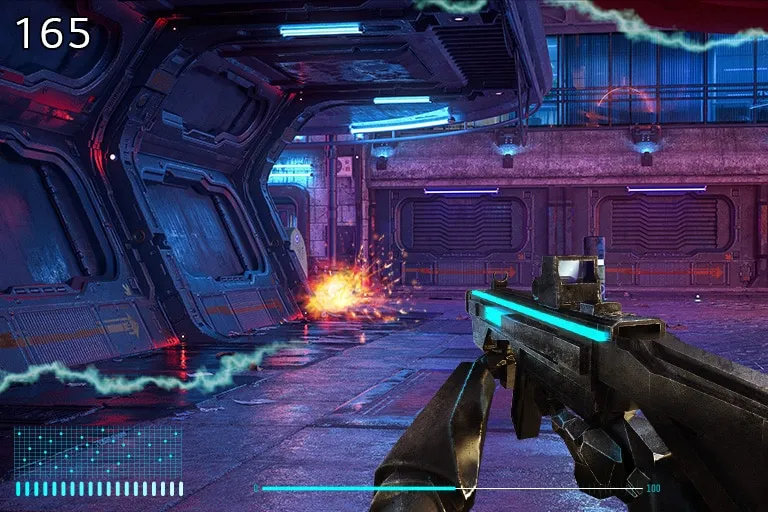
FPS Counter
Without installing separate software, you can see your Frames Per Second (FPS) while in games by displaying it in the corner of the screen.*
*FPS Counter may display the value that exceeds the maximum refresh rate of monitor.

Vendor: EZYPC Computer Store
Pre- owned LG UltraGear 32GR93U-B 32" UHD IPS 144Hz Gaming Monitor with Original Box
Vendor: EZYPC Computer Store
Pre- owned LG UltraGear 32GR93U-B 32" UHD IPS 144Hz Gaming Monitor with Original Box
- Choosing a selection results in a full page refresh.